
Save the setup. Open it ready to run.
Save a G-code program together with its stock, setups, tools, fixture, notes and view in one .ncp file, and open it later in NC Proof exactly as you left it.
Setting up a program takes a few minutes: stock size, stick-out, flips, tool types, the fixture. Do it once. Save .nc & setup (.ncp) keeps the program and its whole setup in one file, and opening it brings everything back the way you left it.
Watch it: set up once, open it next time
The tutorial walks through Stock & tools (stock, fixture, machine home, tools and stick-out, notes), then File → Save .nc & setup and opening the .ncp again.
The setup in pictures
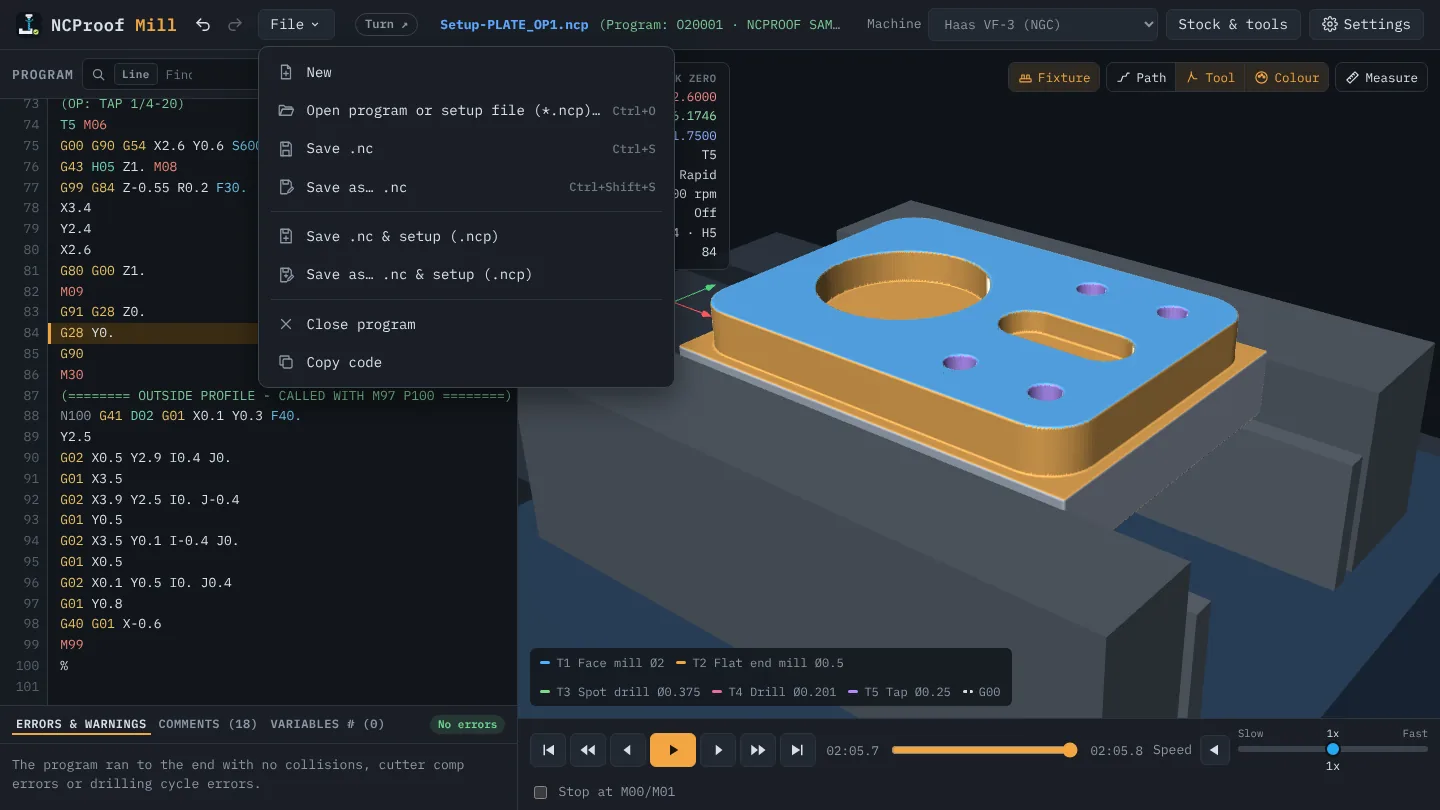
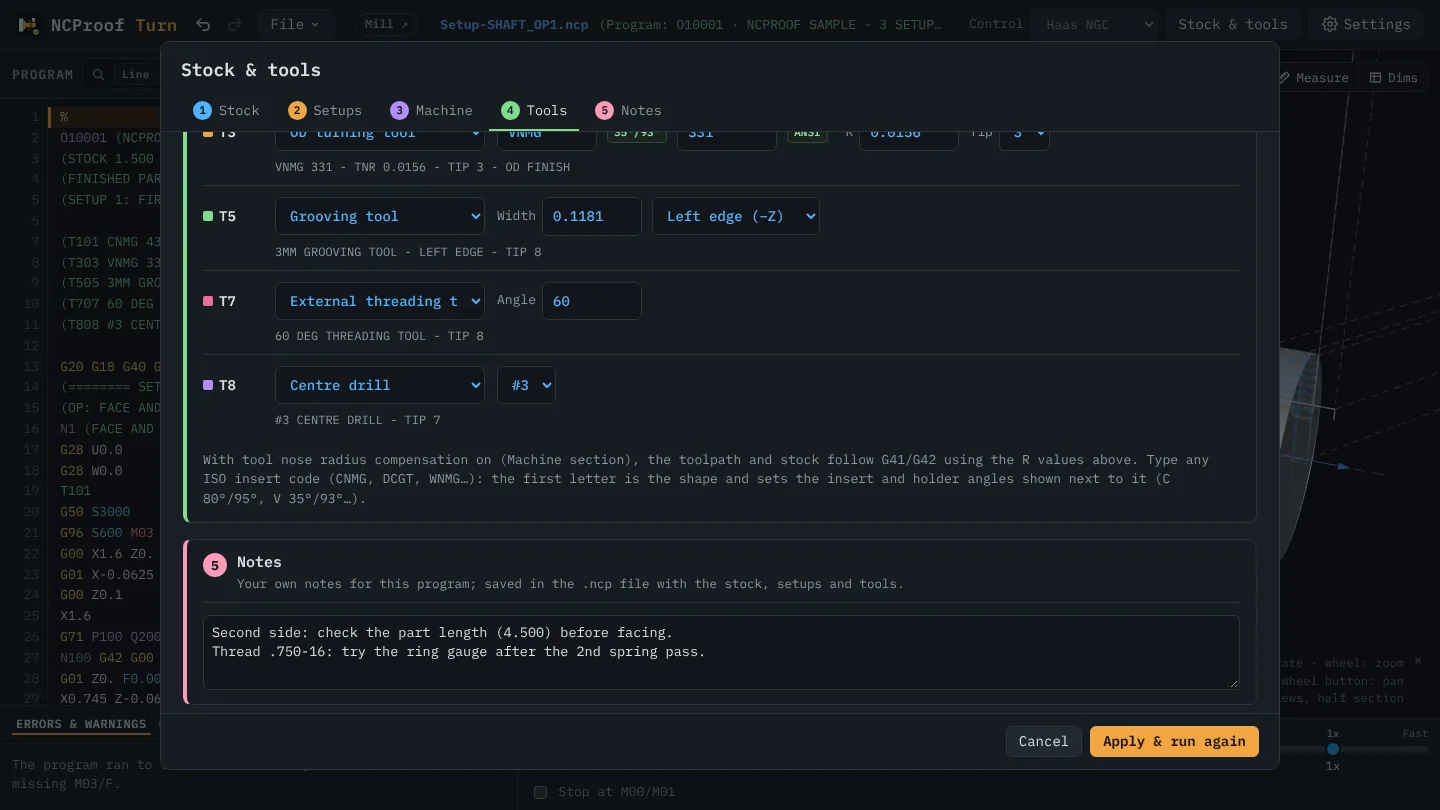
What a setup file keeps
- The program itself.
- Stock and fixture: stock size, stick-out and face stock on the lathe; the block, the vise, rotary chuck or table on the mill.
- Setups: every flip or bar pull with its M00 line, part length and new stick-out.
- Tools: the type, size and insert you set for each tool.
- Machine settings: the control or machine, G28 home, rapid rate, nose radius compensation.
- Your notes for the program, from the Notes box in Stock & tools.
- The view: the camera, half section and the other view switches, the wireframe options, Edit or Simulation mode, the line you were on, and where the Operation window was and which tab was open.
Two files, two jobs
- Save .nc writes plain G-code, the file you send to the machine.
- Save .nc & setup (.ncp) writes the setup file for NC Proof. It is named
Setup-<program>.ncpso it sits next to the .nc in the same folder. - The machine never needs the .ncp, and the .nc never carries anything but G-code.
How to use it
- Set up the program in Stock & tools, then choose File → Save .nc & setup (.ncp).
- Next time, choose File → Open program or setup file (*.ncp) (Ctrl+O, or ⌘O on a Mac) and pick the .ncp. NC Proof opens the program with its saved stock, tools and setups.
- In Chrome or Edge, Save writes straight back to the same file; in Safari and Firefox it saves as a download.
Step-by-step help: Guide, section 11: Save your work.