
Cut the stock. Check every move.
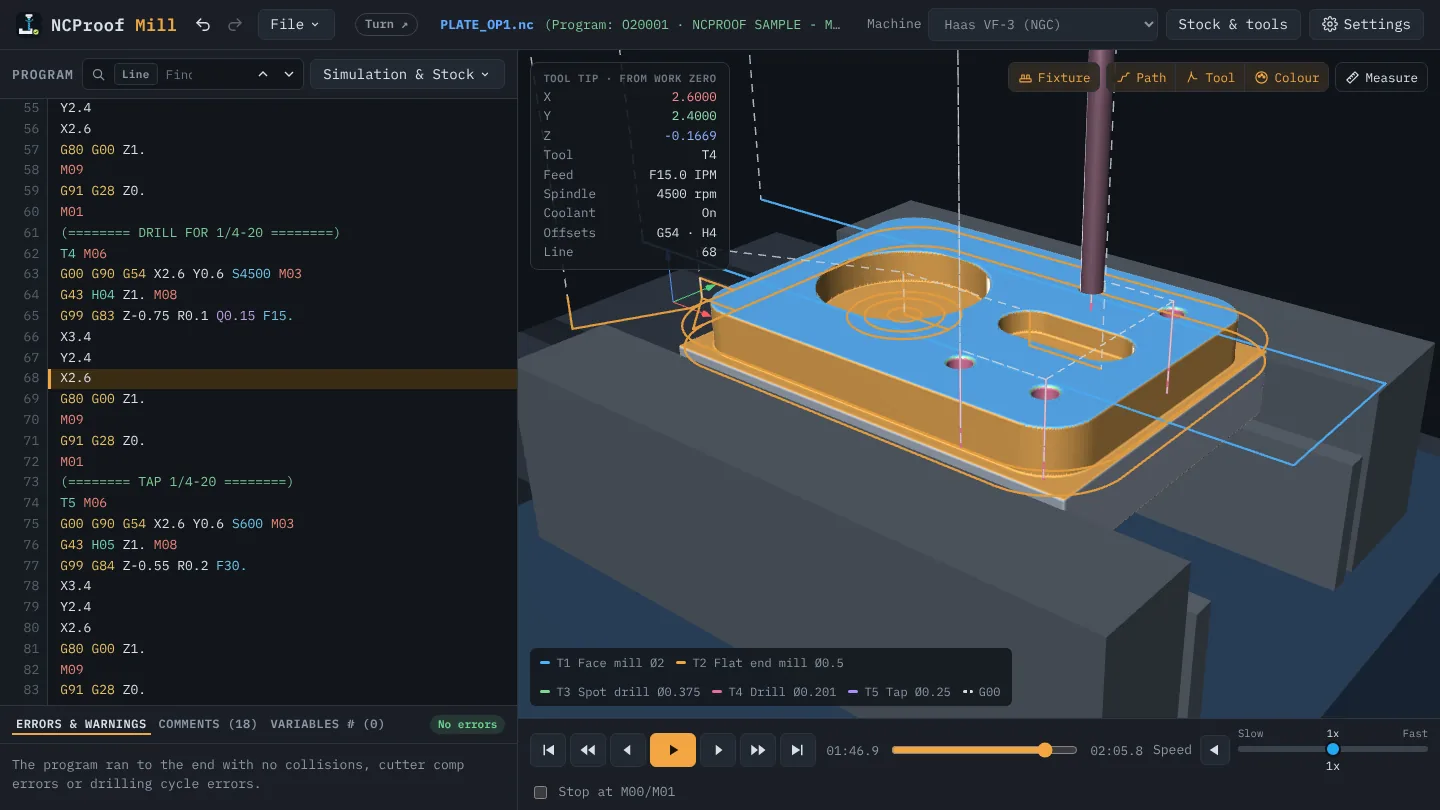
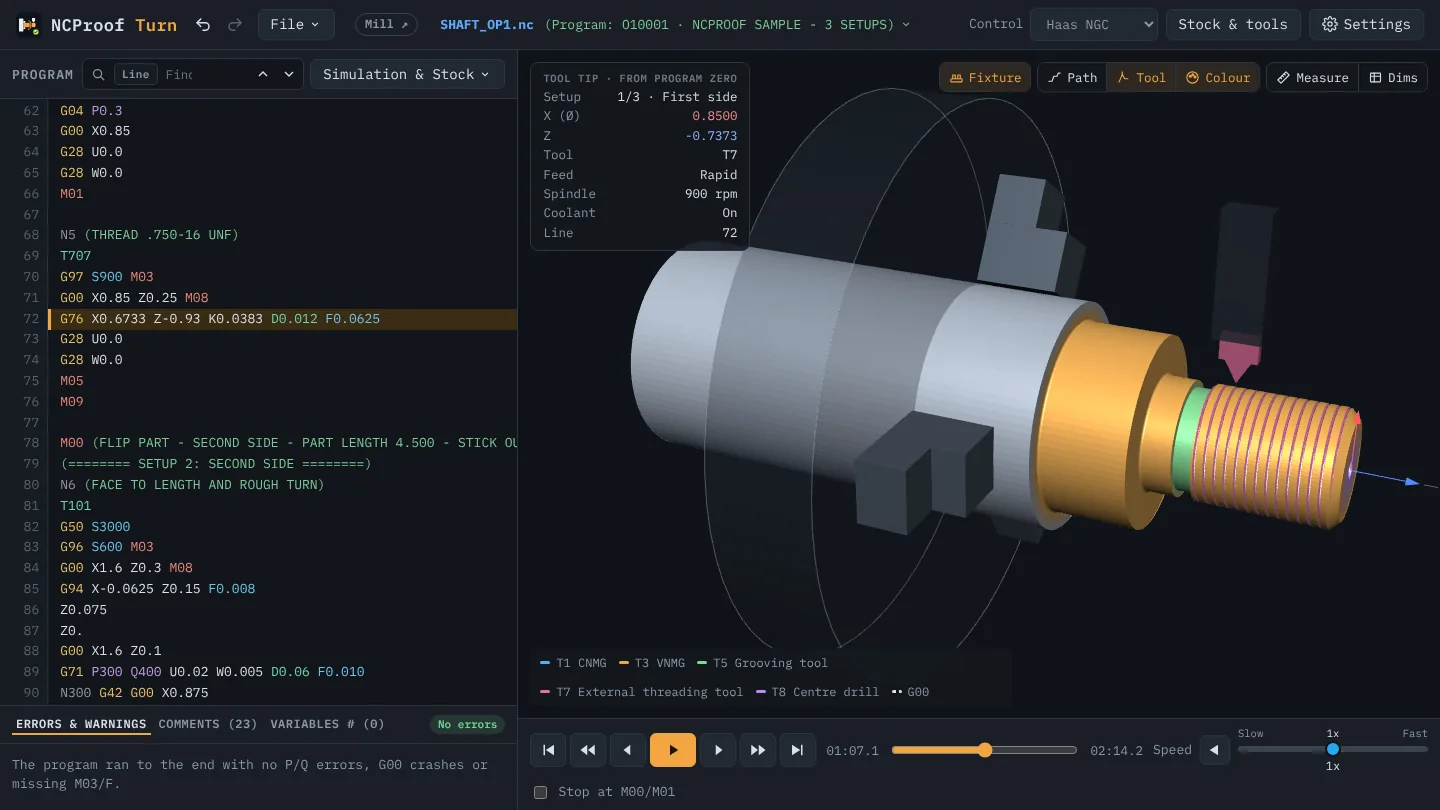
NC Proof cuts the 3D stock tool by tool and checks every move: rapids into the part, chuck, vise and fixture collisions, cycle and compensation errors, each pointed to its line.
Simulation & Stock is where NC Proof proves the program. It reads the code the way your Haas or Fanuc control does, cuts a 3D model of the stock tool by tool, and checks every move on the way.
What it checks
- Rapids into the stock: a G00 that plunges into material or passes too close to the part.
- Collisions: the tool or the holder hitting the chuck or jaws on the lathe, the vise, fixture or table on the mill, and a shank rubbing the part.
- Cycles: G71/G72/G70 P–Q blocks, threading and grooving cycles, and drilling and tapping cycles with their return planes.
- Compensation: cutter comp (G41/G42) on the mill and tool nose radius comp on the lathe, applied the way the control applies them.
- Spindle, feed and coolant sense: cutting with the spindle stopped, no feed, coolant off.
Every problem is listed under Errors & warnings with its line number. Click a message to jump to that line in the code and to that moment in the simulation.
How to use it
- Press Ctrl+Enter (⌘+Enter on a Mac), or pick Simulation & Stock from the mode button.
- Play, step block by block, or jump from tool change to tool change with the controls under the 3D view.
- Tick Stop at M00/M01 to pause at each program stop, as the machine would.
Step-by-step help: Guide, section 5: Run and step through the program and section 7: Read the results.